

How to pay with crypto
Your card and your bank statement never touch this purchase — you pay for a video directly, once, in crypto. If you have never held any, the first time takes about half an hour, and nearly all of that is an exchange checking your ID. Every time after it is two minutes. Here is the whole thing, end to end.
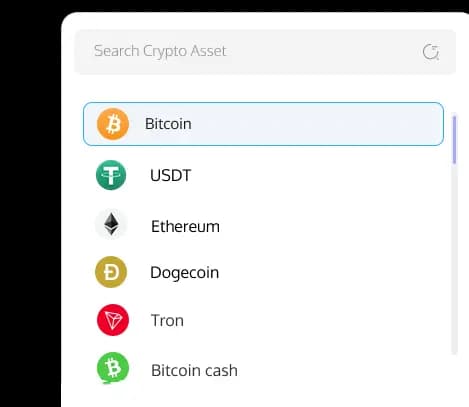
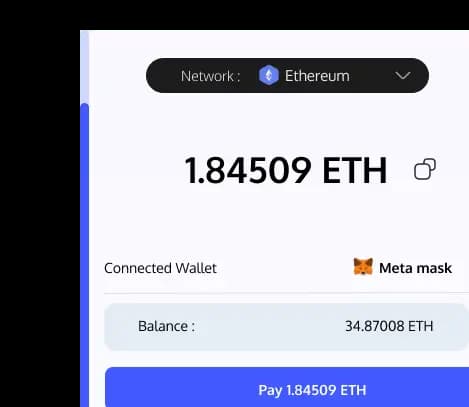
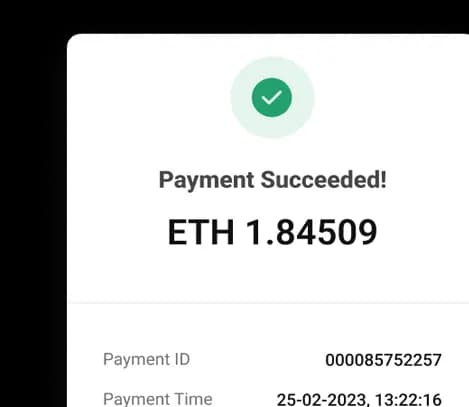
Get some crypto
Any regulated exchange will do. Only one thing about it actually matters: it has to let you send crypto out, to an address that is not theirs. Pick your region for the path.
Follow these steps
- 1.Open an account at Coinbase or Kraken
- 2.Verify your identity — a photo of your ID and a selfie
- 3.Link your bank and fund the account with an ACH transfer — usually free, and it lands the same or the next day. A debit card is instant and costs more
- 4.Buy your crypto. Which coin, and on which network, is step 2 below
One thing on timing: plenty of exchanges hold your first bank or card top-up for a few days before they let you send crypto out. If this is your first purchase, start a day or two before you actually want to watch something.
Pick the coin and the network
Two choices, and the payment screen has already narrowed both — it lists exactly what it accepts. This is how to choose from that list.
- The coin
- Take a dollar stablecoin if one is offered. A stablecoin tracks the US dollar, so ten dollars stays ten dollars: what the screen asks for is still what you hold when your transfer lands. A coin whose price floats works exactly the same way — the amount is simply quoted at the moment you pay, and the quote can drift while the network confirms.
- The network
- The same coin lives on several networks, and the network is what sets the fee — cents on the cheap ones, several dollars on the busiest. Your exchange shows the fee before you confirm, so pick the cheapest network both it and the payment screen offer. Remember which one you picked: the next step turns on it.
Send it and come back
This part is the same on every video and takes about a minute once the crypto is sitting in your exchange.
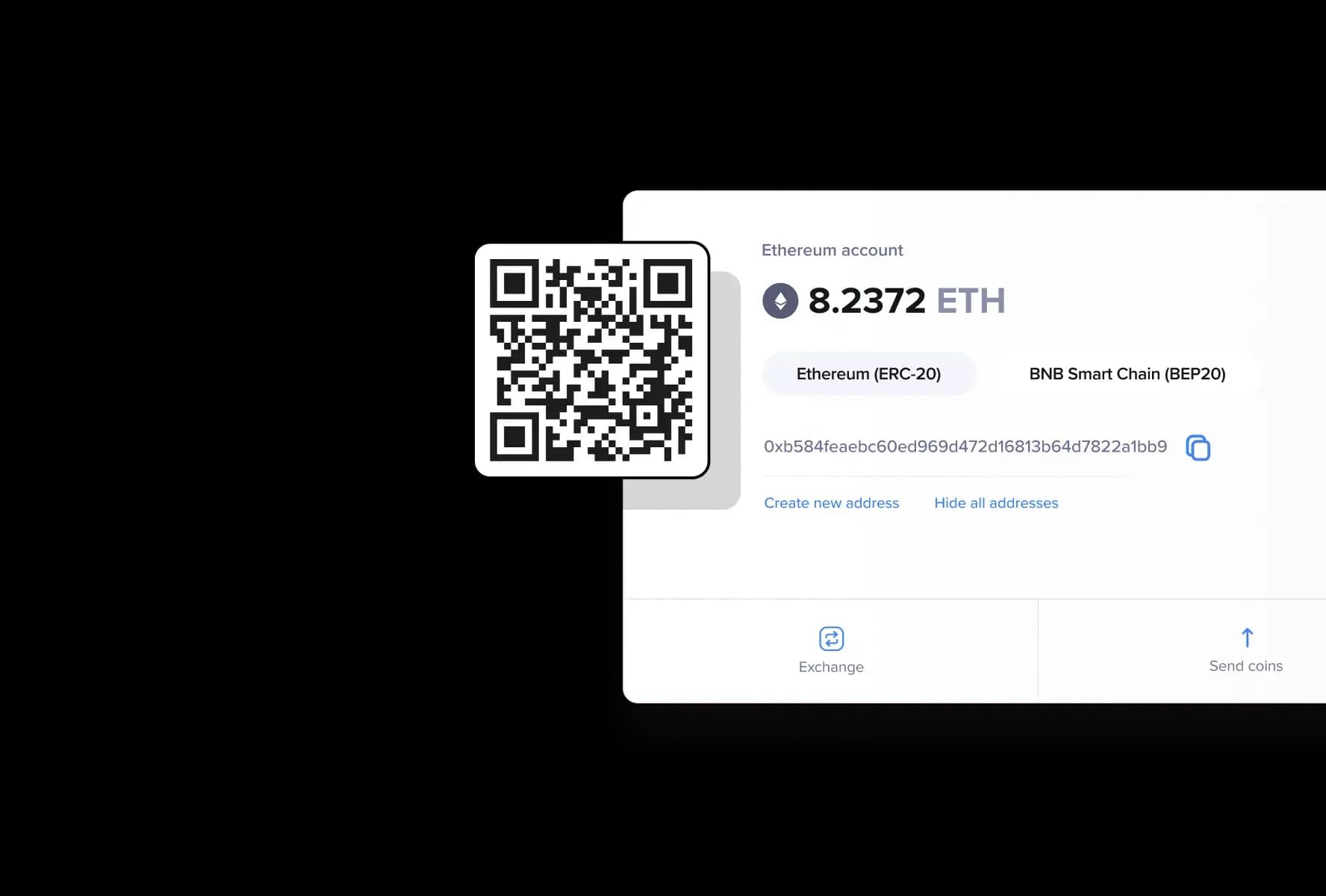
- 1.On the video, press Buy now. The payment screen opens in a new tab with a QR code, the exact amount, the address and a countdown
- 2.In your exchange app, go to Withdraw (some call it Send) and scan the code — or copy the address across by hand
- 3.Choose the same network the payment screen names, check what will actually arrive, and confirm
- 4.Come back to our tab. It reads Confirming your payment… and unlocks the video on its own, usually within minutes
The two mistakes that cost money
- Sending on the wrong network
- The network you withdraw on has to be the exact one the payment screen names. Pick a different one and the money leaves your exchange, arrives somewhere nobody is watching, and normally cannot be recovered. Read the name off the screen, then find that same name in the withdraw form.
- Sending less than the screen asks for
- Most exchanges take the network fee out of the amount you type, so entering the exact figure makes slightly less than that arrive. Use the "you will receive" line if your exchange shows one, or add the fee on top. Landing a few cents over is fine — overpayments always go through. Landing short holds the order until a person checks it.
The basics
How long the whole thing takes
The first time, about half an hour: almost all of it is the exchange verifying your ID, and a bank transfer may only land the next day. After that it is minutes. The crypto transfer itself confirms in a few minutes on any network worth using.
If you close the tab mid-payment
Nothing is lost. Go back to the video and it offers two things: Resume payment, which reopens the same payment screen, and Cancel and start over, which checks with the payment provider first — if your money already went through, you keep the video.
Whether you need a wallet app
No. Sending straight from your exchange is one step fewer and works exactly the same. A wallet is worth having if you plan to keep crypto around; it is not worth installing for a single purchase.
What the purchase is tied to
Your account — not the wallet or the exchange you paid from. Sign in on a phone, a laptop or a headset and everything you own is there, streaming and ready to download.
What your bank sees
The exchange you bought crypto from, and nothing else. Our name never appears on a card or a bank statement, because no card and no bank touches the purchase itself.
Paid, and wondering where it plays? Everything you buy streams straight into the headset. How to watch VR
